
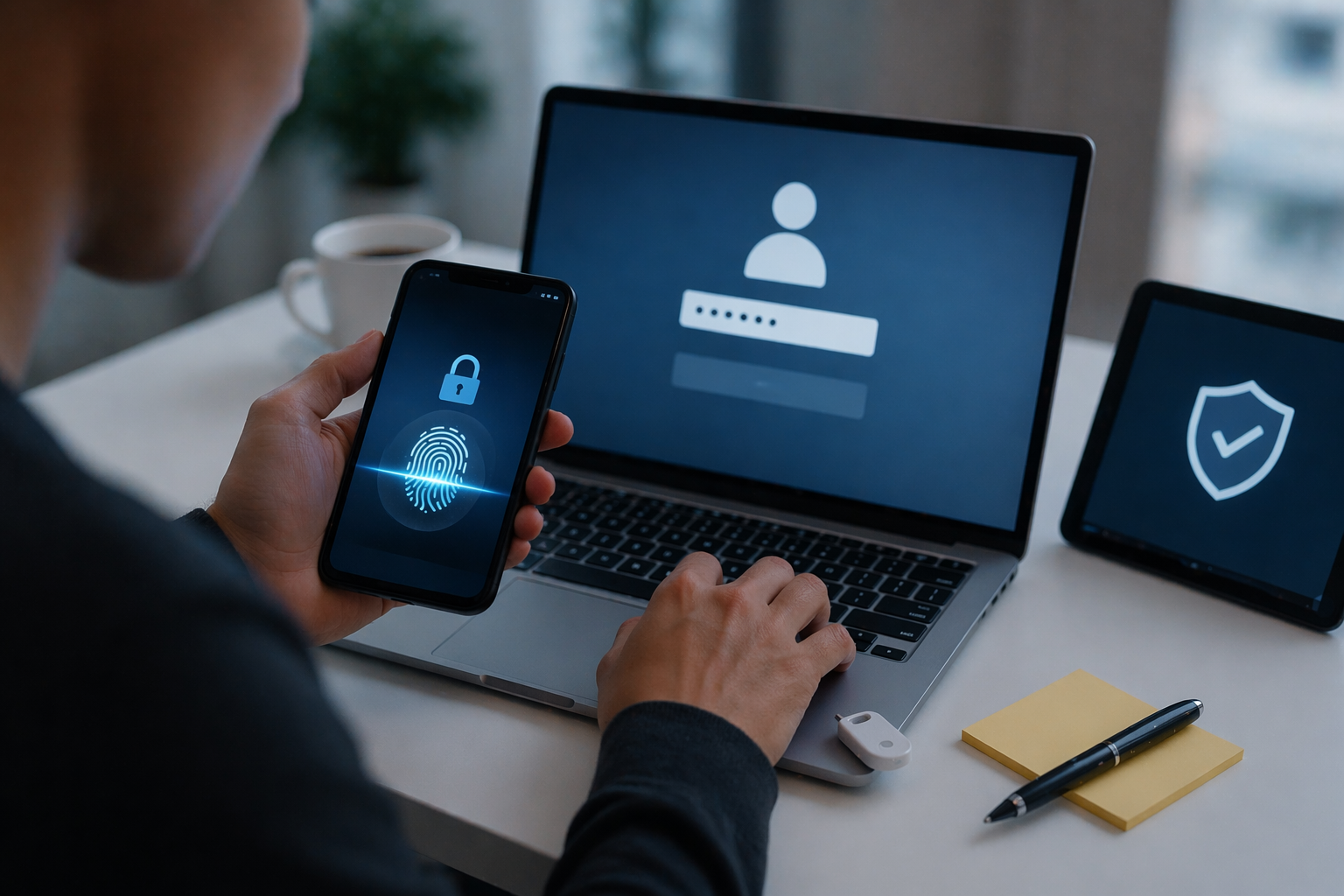
Learn what is multi-factor authentication (MFA), how it works, types of authentication factors, real-world implementation, and why it’s critical for modern security systems.
🔐 What Is Multi-Factor Authentication
Introduction to Multi-Factor Authentication
If you’re building a deep understanding of how online logins work, then knowing what is multi-factor authentication is essential.
Multi-factor authentication (MFA) is one of the most effective ways to protect accounts today. It adds an extra layer of security on top of passwords, making it significantly harder for attackers to gain unauthorized access.
In this topic
-
Identity & Tracking
-
How Online Logins Work (Identity, Tracking, Sessions, and Authentication Explained)
- How Modern Digital Systems Work: Infrastructure, Identity, Algorithms, and Digital Payments
- How Authentication Tokens Work
- What Is a Session Cookie
- How Web Tracking Works: The Ultimate Technical Guide to Cookies, Pixels, Fingerprinting, and Modern Tracking Systems
- How Password Resets Work: The Complete Technical Guide to Secure Account Recovery Systems
- What Is OAuth? The Ultimate Guide to Secure Authorization (Simple + Powerful Explanation)
- What Is Single Sign-On? The Complete Guide to SSO, Tokens, Sessions, and Real-World Architecture
Additional explanations about authentication and identity systems will be added over time.
In your authentication cluster, MFA connects directly to:
- password resets (protecting recovery flows)
- sessions (tracking authentication strength)
- tokens (reflecting verified identity)
- single sign-on (SSO systems rely heavily on MFA)
Why Passwords Are Not Enough
Passwords have several weaknesses:
- users reuse them
- they can be guessed or leaked
- phishing attacks steal them easily
Rise of Account Takeovers
Modern attackers don’t brute-force passwords anymore. Instead, they:
- use leaked credentials
- run credential stuffing attacks
- exploit weak recovery systems
👉 MFA exists to stop this.
🧠 What Is Multi-Factor Authentication (MFA)?
Simple Definition
Multi-factor authentication is a security method that requires users to verify their identity using two or more independent factors.
Technical Definition
MFA is an authentication mechanism that combines multiple categories of credentials to establish a higher level of identity assurance.
👉 The key idea:
Even if one factor is compromised, the attacker still can’t access the account.
🔑 The Three Core Authentication Factors
1. Something You Know
Examples:
- passwords
- PINs
2. Something You Have
Examples:
- phone
- hardware token
- authenticator app
3. Something You Are
Examples:
- fingerprint
- face recognition
🔄 How Multi-Factor Authentication Works
Step 1: Login Phase
User enters:
- username
- password
Step 2: Verification Phase
System requests:
- OTP code
- biometric
- push approval
Step 3: Session Creation
Once verified:
- system creates session
- marks it as “MFA verified”
In more advanced architectures, MFA is tightly integrated with session lifecycle management rather than treated as a one-time checkpoint. After a user successfully completes multi-factor authentication, the system typically issues a session or token that includes metadata indicating the authentication level, such as whether MFA was performed and when. This allows downstream services to make access control decisions based on the strength of authentication. For example, a user who logged in with only a password may have limited access, while a user who completed MFA can perform sensitive actions. This concept, often referred to as “authentication assurance level,” is critical in distributed systems where multiple services rely on a shared understanding of user trust.
👉 This status is critical for secure systems.
🔐 Types of MFA Methods
1. SMS Codes
User receives:
- one-time code via SMS
Pros
- easy to use
Cons
- vulnerable to SIM swapping
2. Authenticator Apps
Examples:
- Google Authenticator
- Microsoft Authenticator
How it works
- generates time-based codes
More secure than SMS
3. Hardware Tokens
Examples:
- USB security keys
Highly secure
- resistant to phishing
4. Biometrics
Examples:
- fingerprint
- facial recognition
Convenient but not perfect
- cannot be changed if compromised
⚙️ MFA in Modern Systems
Risk-Based Authentication
Modern systems don’t always require MFA.
They evaluate:
- device
- location
- behavior
Another important evolution in MFA is the shift toward passwordless and phishing-resistant authentication methods. Instead of relying on one-time codes, modern systems increasingly use cryptographic challenges tied to physical devices, such as security keys or platform authenticators built into smartphones and laptops. These methods, often based on standards like WebAuthn, eliminate the need for shared secrets and significantly reduce the risk of phishing attacks. In these flows, authentication is performed through a secure exchange between the user’s device and the server, ensuring that credentials cannot be intercepted or reused. This represents a major step forward in authentication design, moving beyond traditional MFA toward stronger, user-friendly security models.
👉 MFA is triggered only when needed.
Step-Up Authentication
Even after login, systems may ask for MFA when:
- changing password
- making payments
- accessing sensitive data
🔗 MFA and Authentication Tokens
Token Binding
After MFA:
- tokens reflect higher trust level
Session Strength
Sessions may have levels:
- basic login
- MFA verified
👉 This determines access permissions.
🛡️ Security Benefits of MFA
1. Prevents Account Takeovers
Even if password is stolen:
- attacker still needs second factor
2. Reduces Impact of Data Breaches
Leaked credentials alone are not enough.
⚠️ Limitations and Risks
1. SIM Swapping
Attackers hijack phone number.
2. Phishing Attacks
Advanced phishing can:
- capture OTP codes
3. Push Fatigue Attacks
Users get spammed with approval requests.
🧩 Best Practices for MFA Implementation
1. Use Strong Factors
Prefer:
- authenticator apps
- hardware keys
2. Provide Backup Options
Users may lose devices.
3. Combine with Monitoring
Track suspicious behavior.
❓ FAQs
1. What is multi-factor authentication in simple terms?
It requires more than one way to verify your identity.
2. Is MFA the same as 2FA?
2FA is a type of MFA using two factors.
3. Is SMS MFA secure?
It’s better than nothing but weaker than apps or hardware keys.
4. Can MFA be hacked?
Yes, but it’s much harder.
5. Why is MFA important?
It prevents most account takeover attacks.
6. When should MFA be required?
At login and for sensitive actions.
It is also important to understand that MFA does not eliminate all risks but rather shifts the attack surface. Attackers often adapt by targeting the weakest factor in the chain, such as exploiting social engineering to gain access to SMS codes or overwhelming users with repeated push notifications in what is known as “push fatigue” attacks. Additionally, if session management is weak, attackers may bypass MFA entirely by stealing authenticated session tokens instead of credentials. This highlights a key principle in security engineering: MFA must be combined with strong session handling, secure token storage, and continuous monitoring to be truly effective. Without these supporting controls, even a well-implemented MFA system can be undermined.
🏁 Conclusion
Understanding what is multi-factor authentication is essential for modern security systems.
It transforms authentication from:
- single-point failure → layered defense
And when combined with:
- SSO
- tokens
- secure sessions
…it becomes a powerful protection mechanism against real-world attacks.